Streamlining
digital content workflow with AI
An AI-powered cloud platform expanding from everyday users to digital creators by unifying notes, photos, and video editing across Android, web, and tablet.
Duration
6 months
April - August 2023
Type
Samsung R&D
Innovation
My Role
Product Designer
Co-led the development of product vision and UX strategy, and designed wireframes and branding.
Team
3 Product Designers, 2 Graphic Designers
Impact
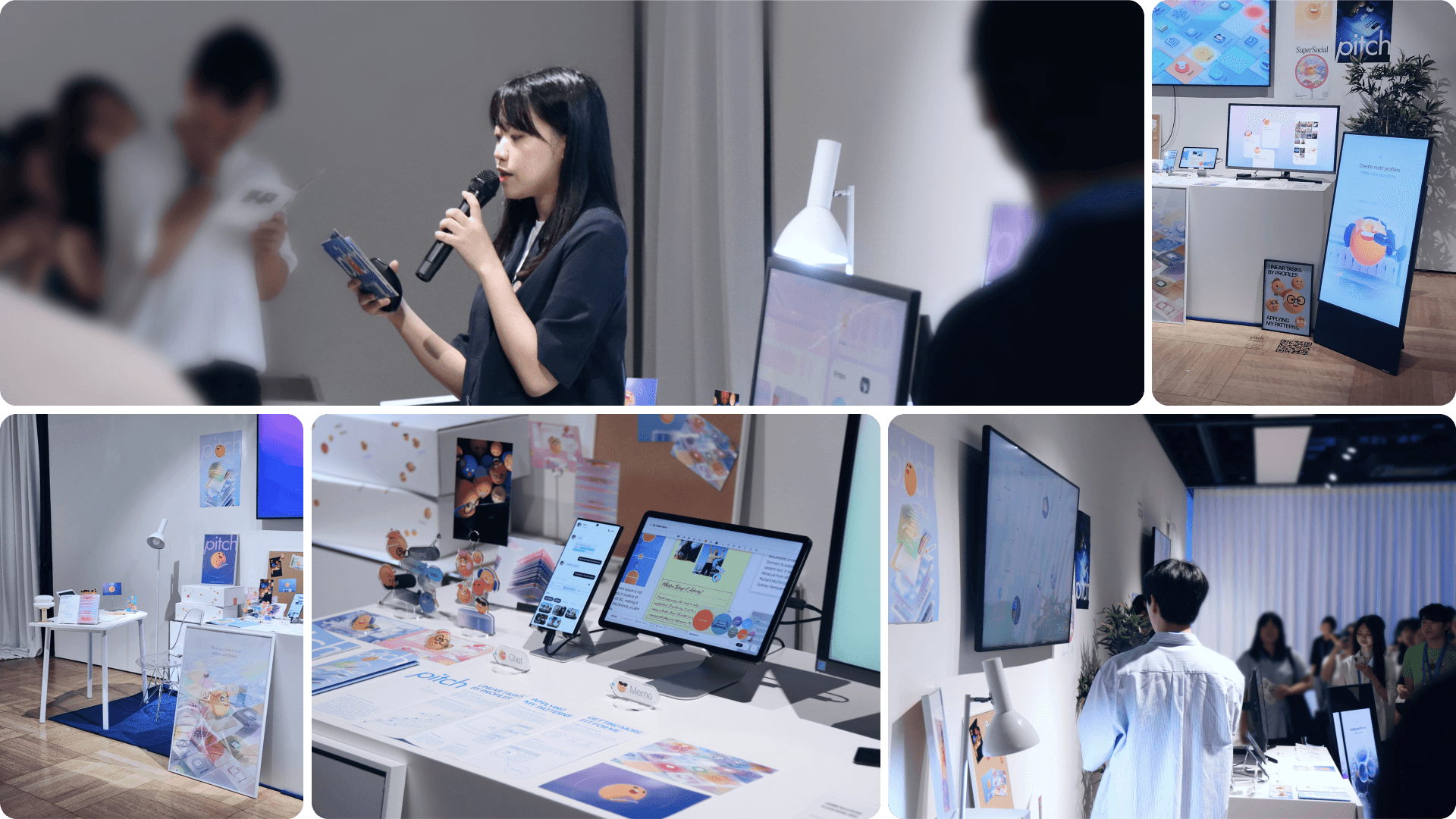
Selected for Samsung's annual exhibition, presenting to CDO & 2,000+ and informing Samsung's next vision.
Selected for Samsung's annual Design Exhibition — one of only a few teams chosen — and presented to the CDO, 2,000+ designers and engineers. The CDO recognized the project's potential to expand Samsung's user base to professional users, citing its vision for multi-device and AI integration.
Context
How might we deliver a seamless multi-device experience to help creators boost productivity?
We hypothesized that Samsung offered weaker multi-device connectivity than Apple, and aimed to close this gap by leveraging user-generated data and targeting extreme users—digital creators.
Problem
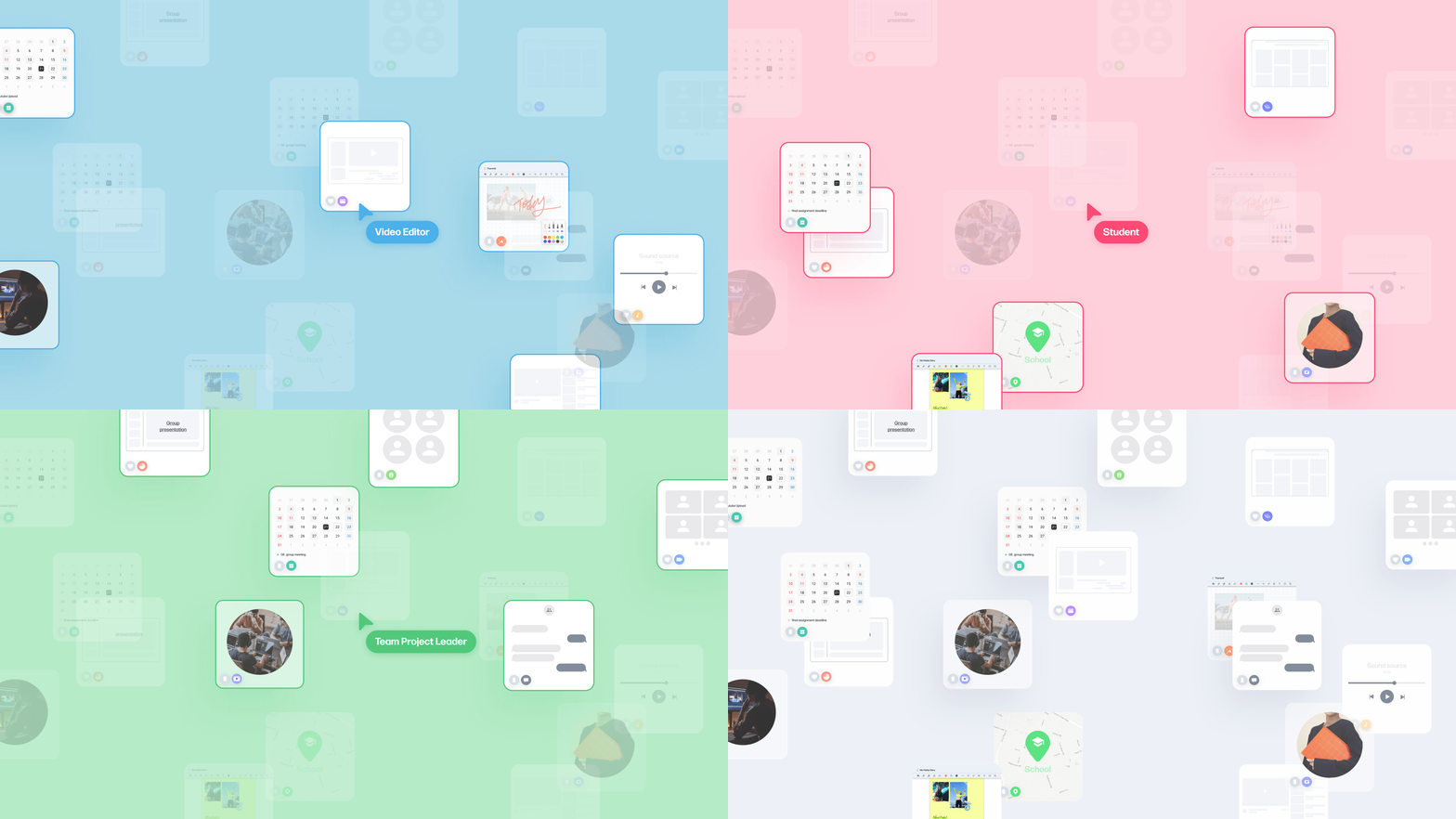
Scattered data is not organized by its intended purpose.
Digital creators often work on multiple things at the same time — e.g uploading vlogs while also working on a school project with classmates. This data is usually saved freely, without a clear purpose or structure.
Solution
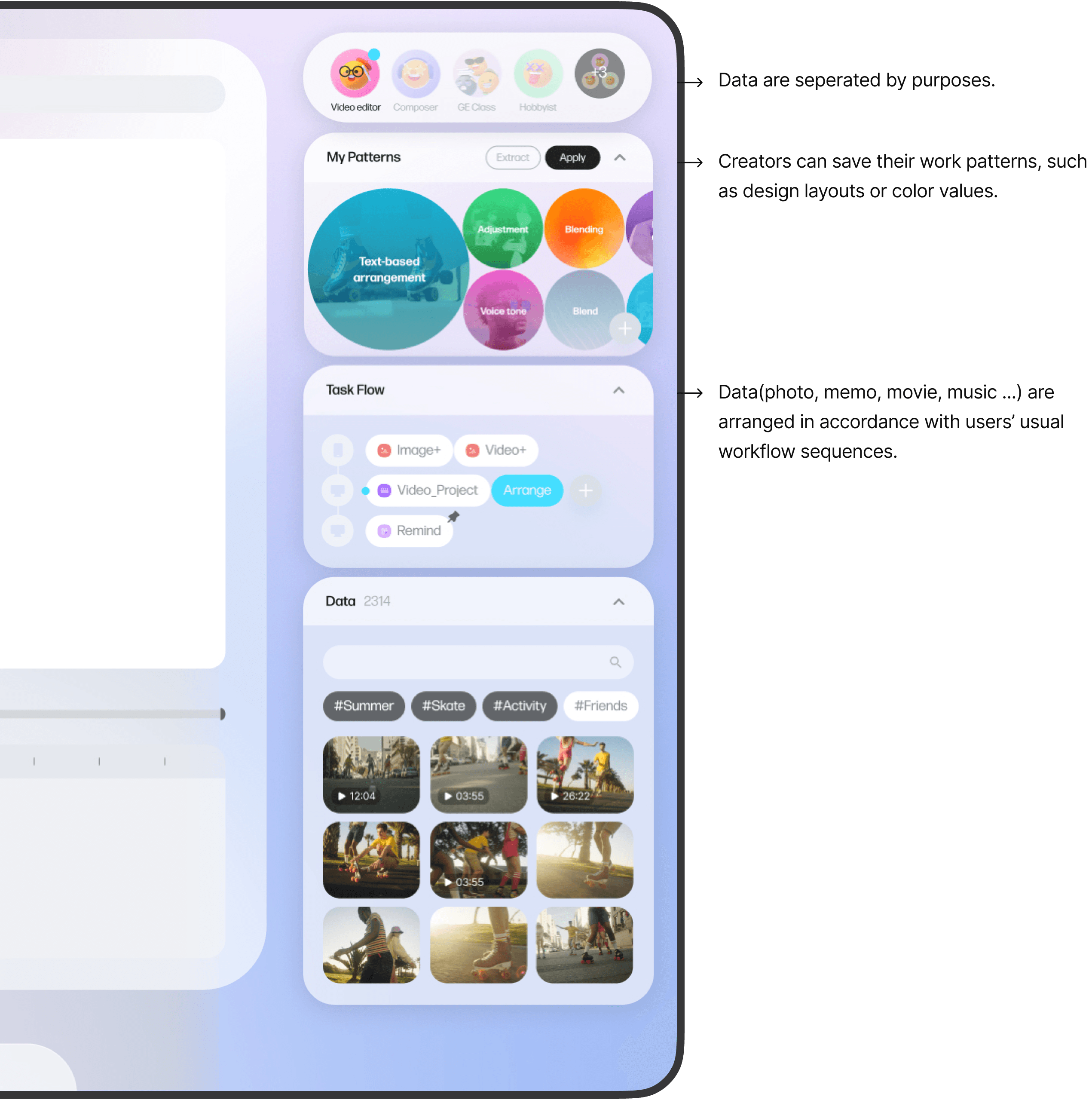
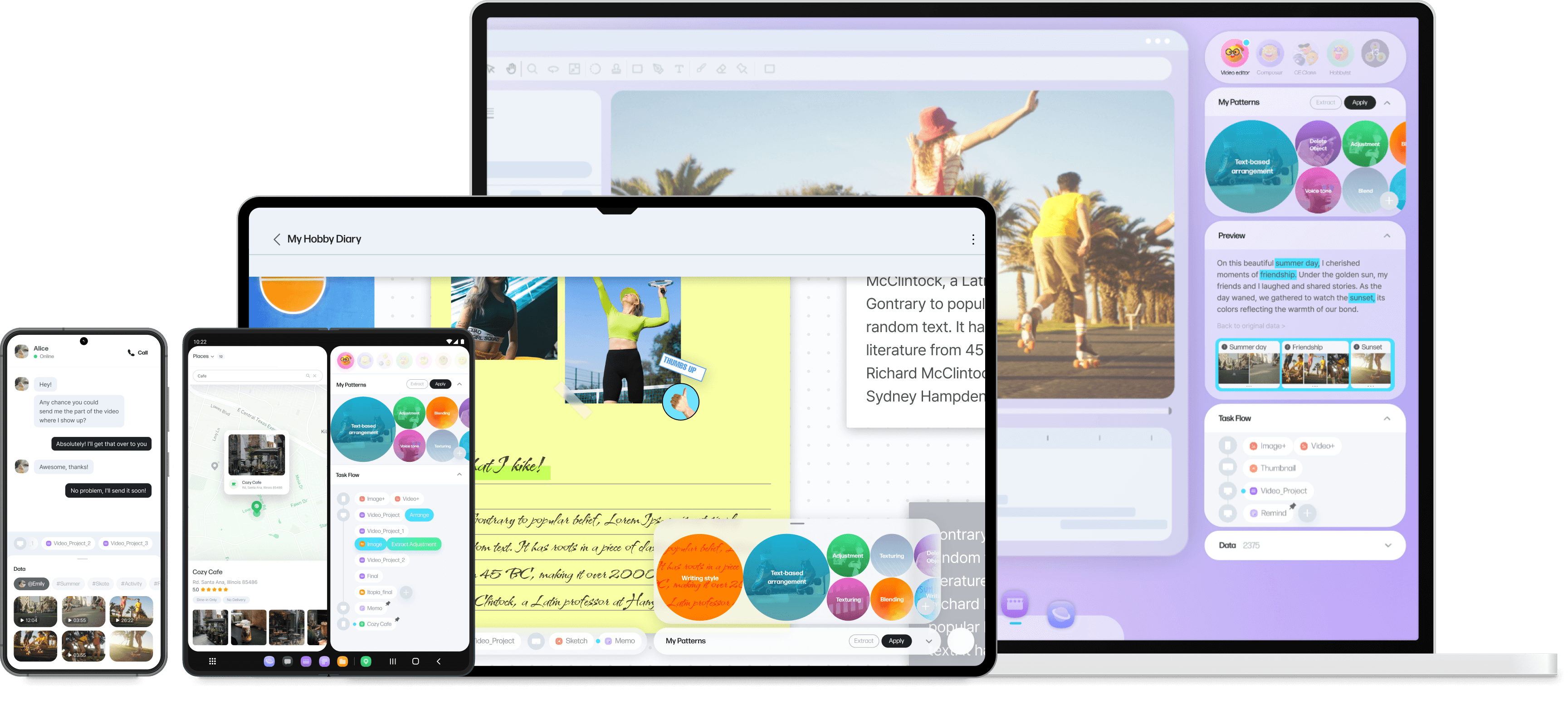
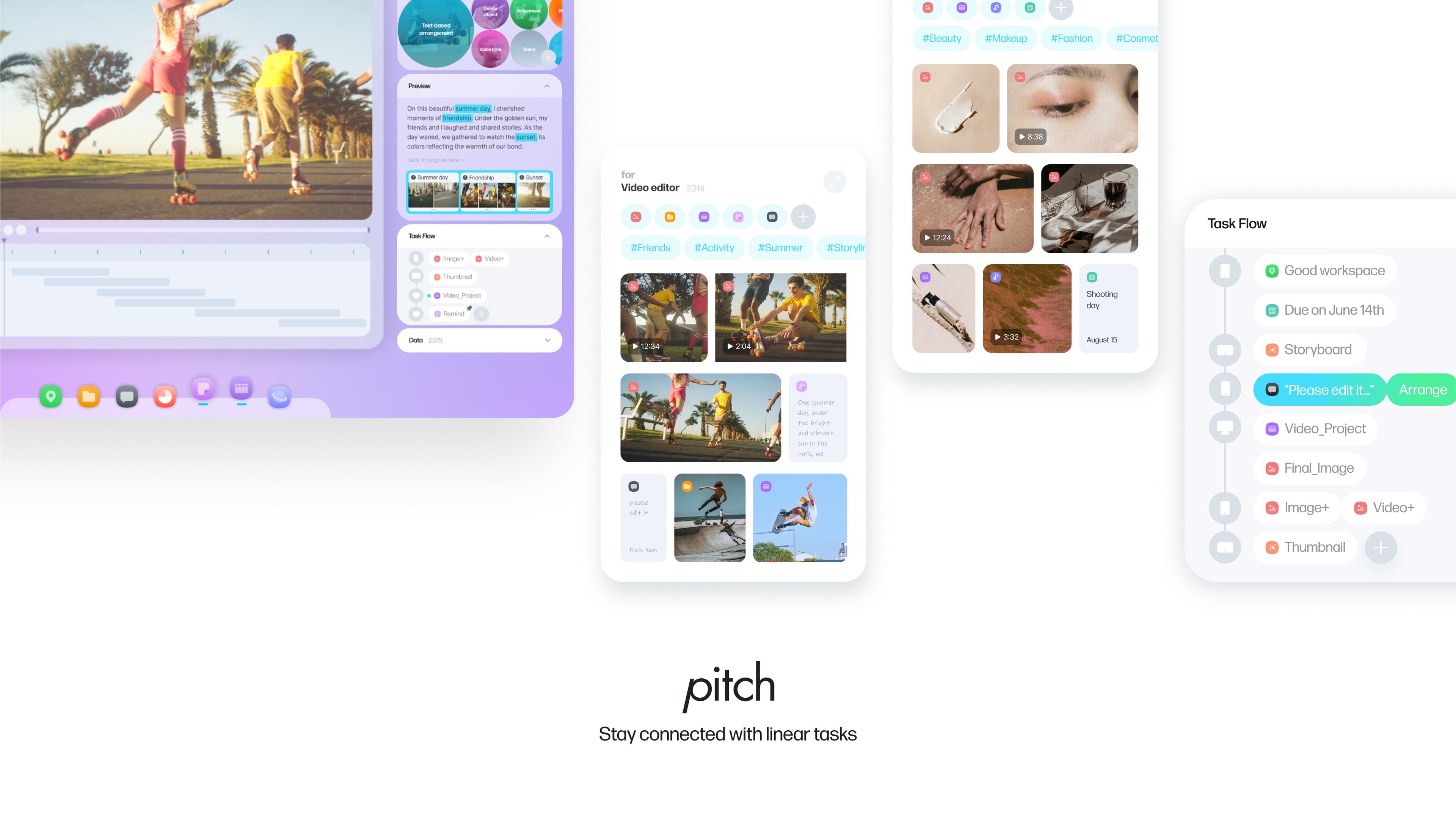
AI-powered data widget that categorizes data by purpose and organizes workflows using metadata.
The widget panel provides users with relevant work data in the right context. It includes frequently used variables and task-specific work data.
Solution
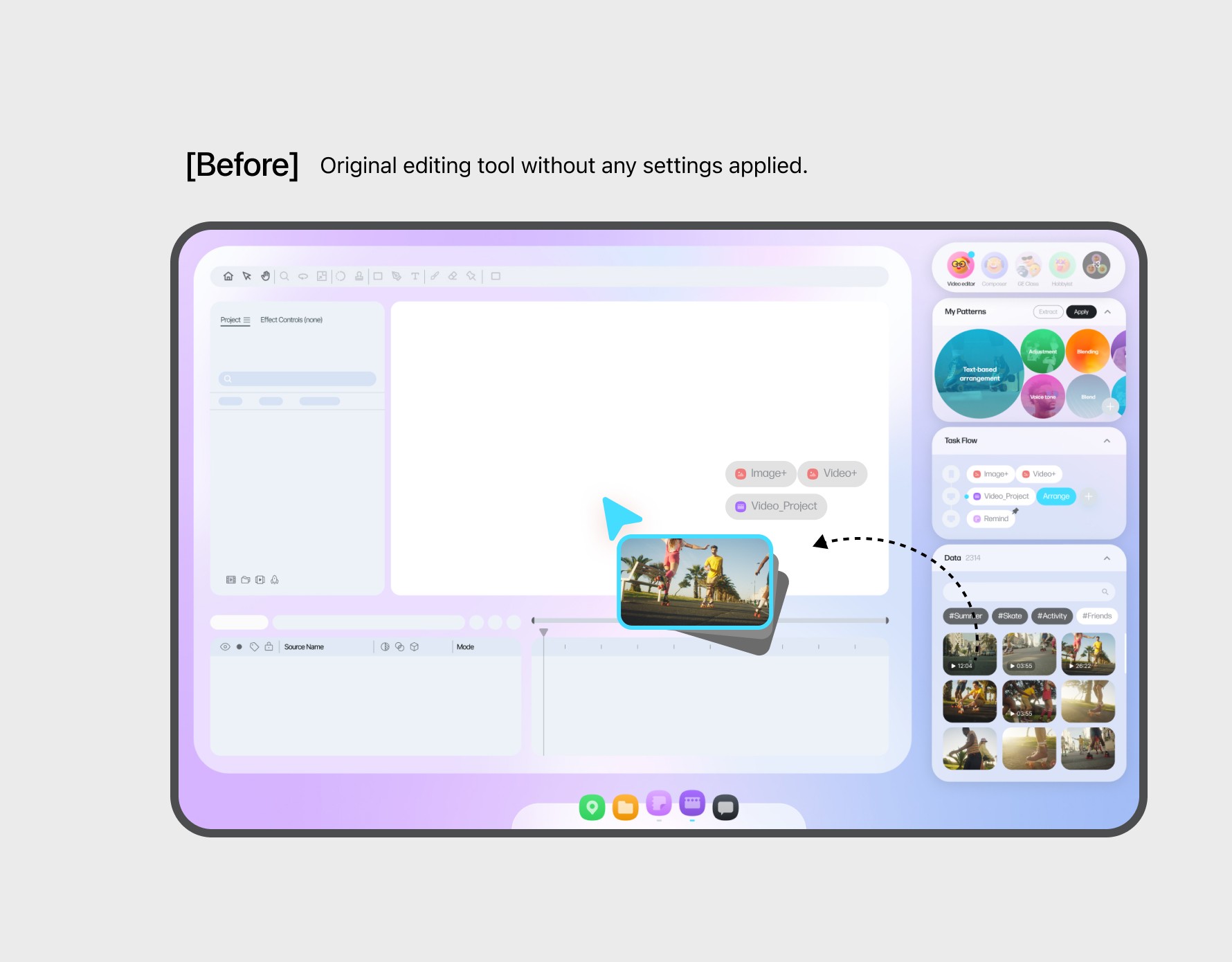
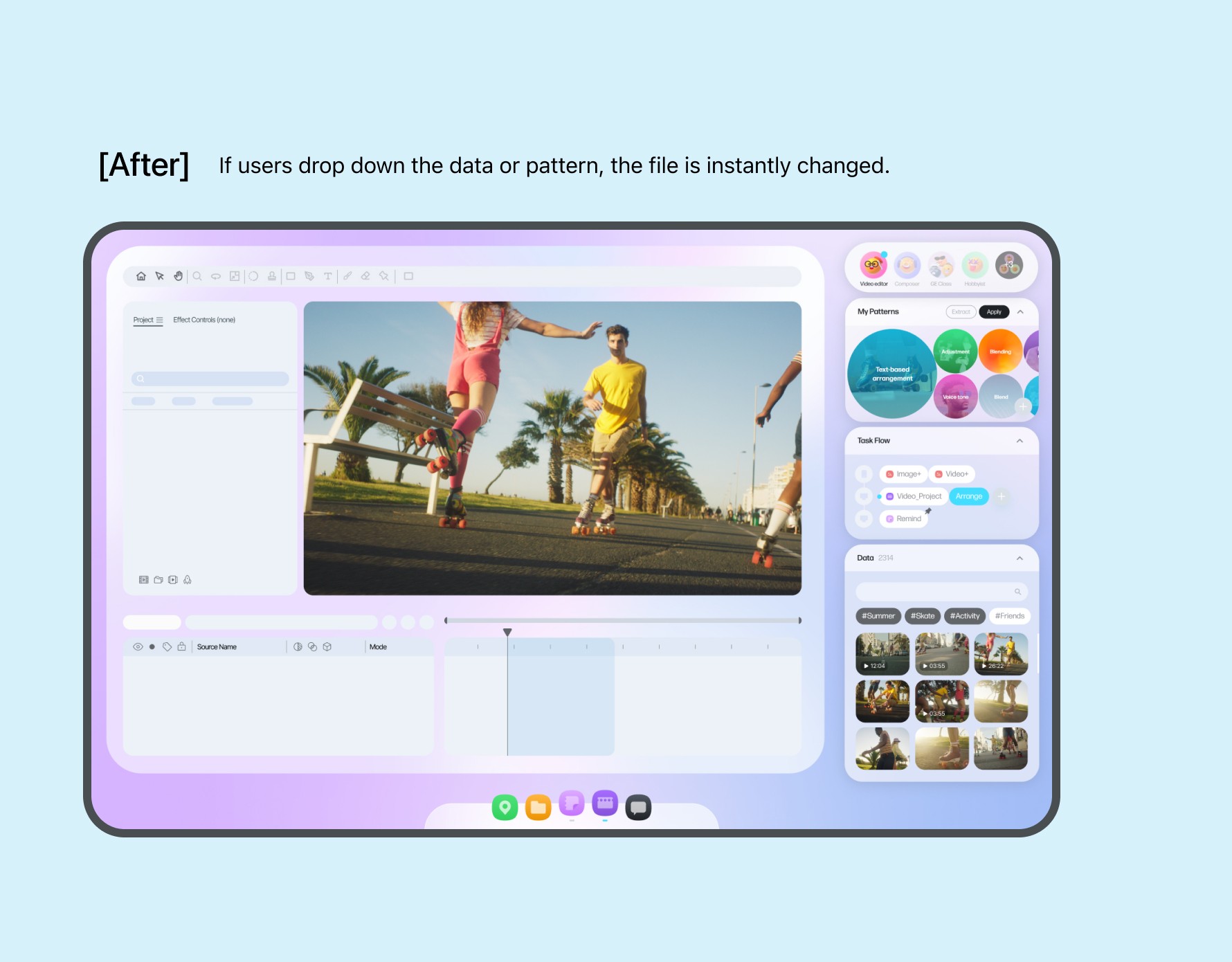
A simple drag-and-drop to use work files and frequently used settings like layouts and colors.
The widget panel's location varies depending on the software used. It contains not only photos and videos but also design layouts, editing techniques, and other elements reflecting the user's workflow, helping streamline tasks efficiently.
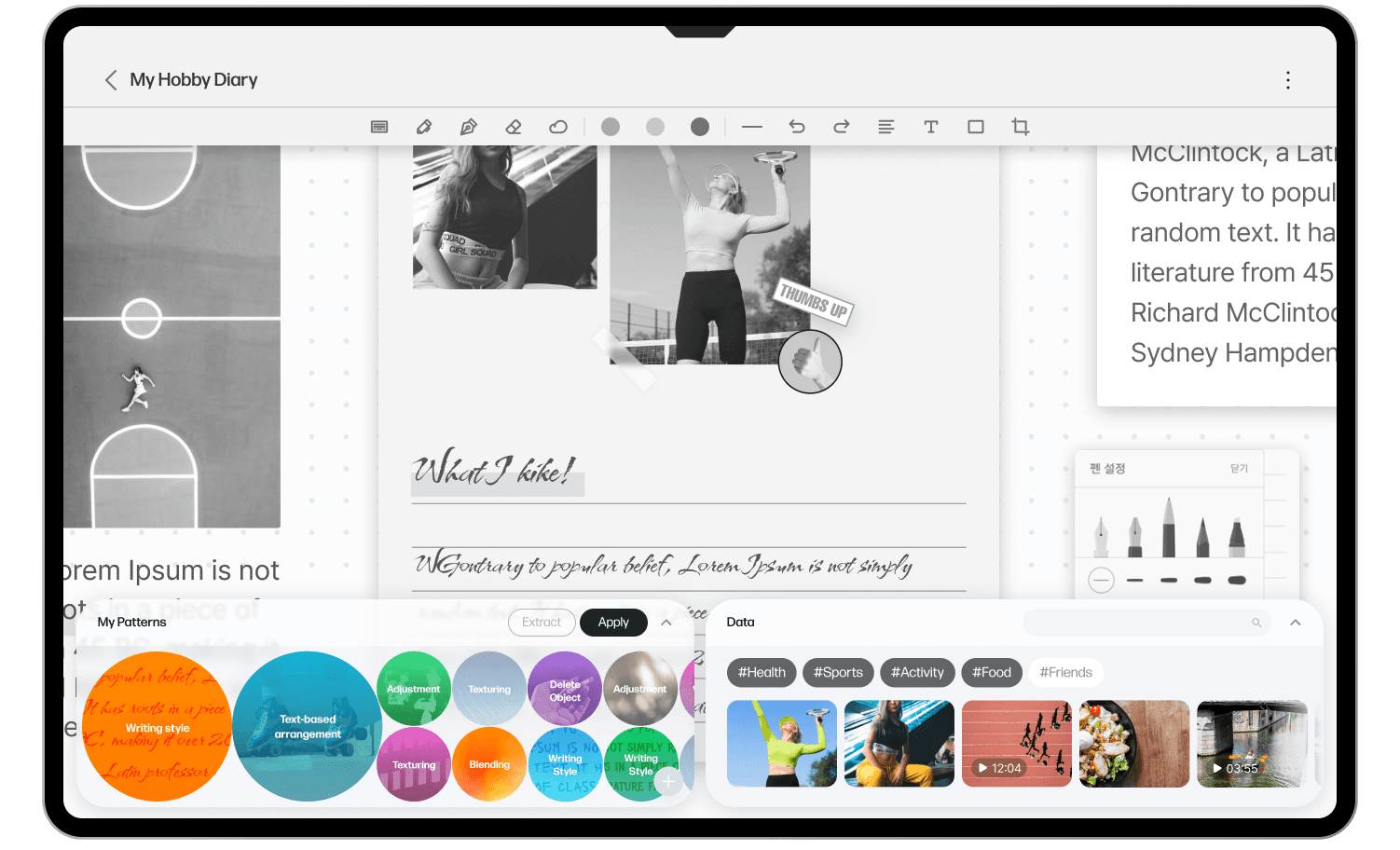
Multi-Device Experience on Tablet
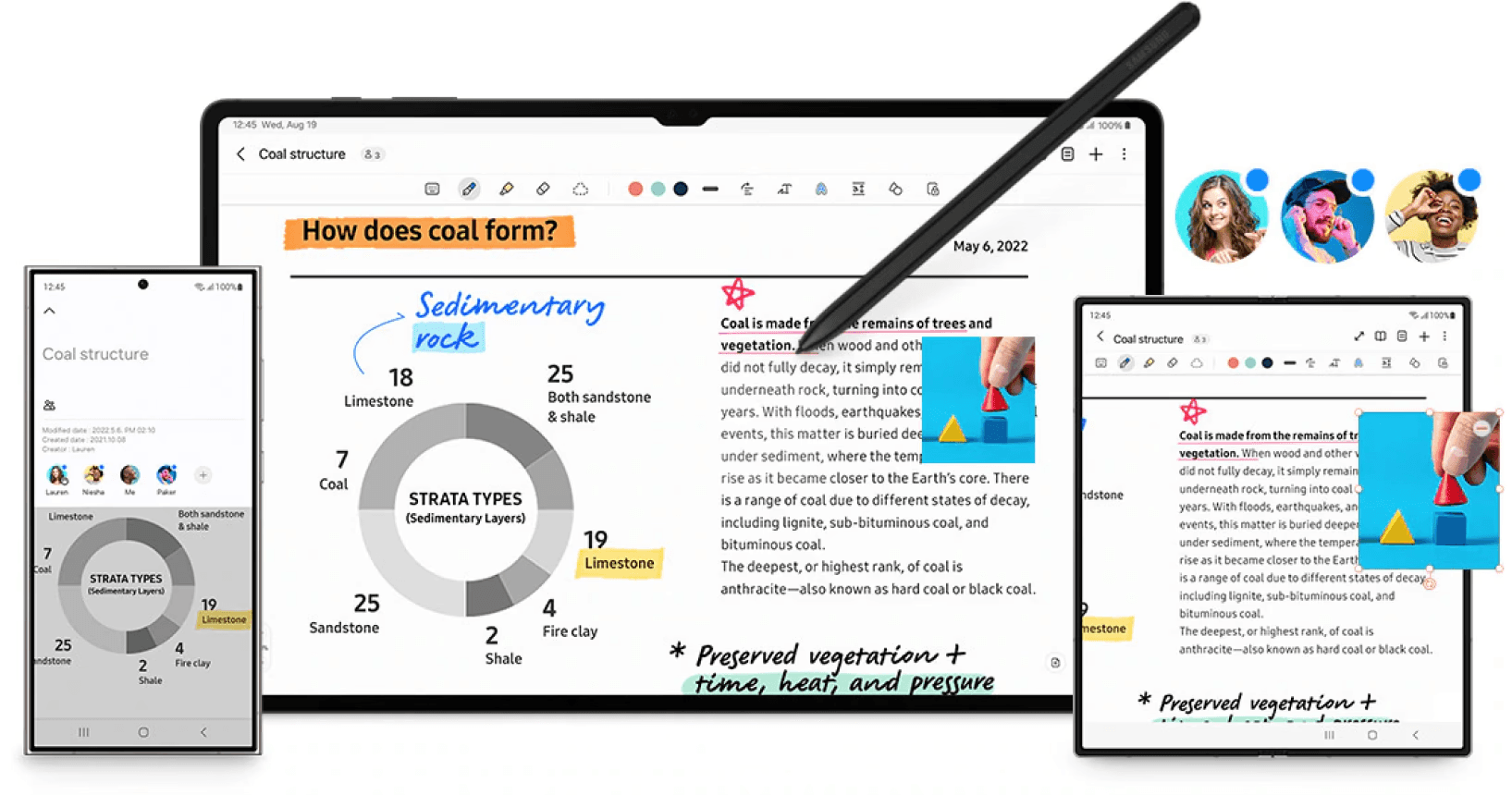
When working on a tablet, handwriting can be converted into fonts, or text layouts such as spacing and alignment can be easily applied.
Key Learnings
Cross-functional Collaboration
I collaborated with graphic designers on brand assets and the design system. Balancing visually strong brand colors with usability-driven choices took time, and through that process, I learned how to navigate trade-offs and collaborate effectively.
The importance of problem definition
Because we were working at the OS level, the initial problem definition was very broad, which made it difficult to shape a clear solution. By gradually narrowing the scope, we were able to gain clarity and define the project more precisely.